Network Continuity, Embedded: Forge in Three Steps
Updated: 2026-07-23
For organizations operating across borders, unpredictable connectivity is no longer an edge case. It’s an emerging, core infrastructure challenge that will have wide reaching implications for any organization operating transnationally.
The good news? It’s a problem we’ve already solved, and we’ve made it easy to bring that solution directly to your systems, applications and people.
Why it matters for any organization: We’ve been writing about the need to treat network continuity as a core infrastructure imperative for some time. Just take a look at our previous posts at http://forge.psiphon.ca/en/blog. We’ve covered a lot of territory, a lot of use cases, and a lot of reasons for taking it extremely seriously.
The case for action is now almost impossible to ignore. Recent censorship and network disruptions have ranged from nationwide blackouts and platform blocking to throttling, mobile-data restrictions and conflict-related temporary shutdowns.
For a transnational organization, that volatility can break the everyday connections that employees, systems, applications and services customers depend on. If a service works only when the network behaves normally, it’s not truly available in the regions and markets it is meant to serve.
Forge changes the continuity model by easily integrating network continuity directly into the services you want to deliver.
Ensuring Network Continuity in Just Three Steps
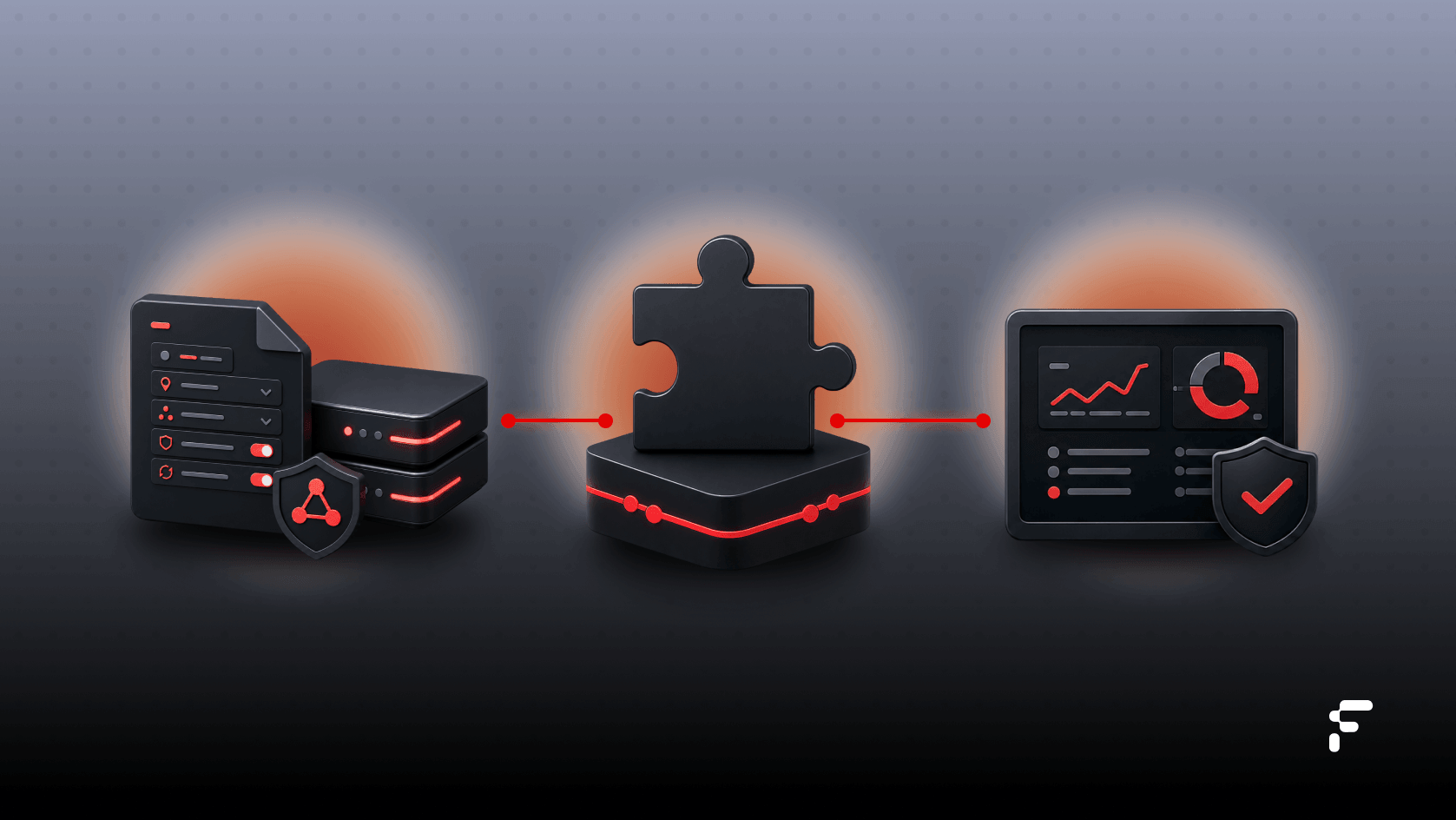
1. Select and provision. Forge supports mobile and desktop integration. Choose the Forge library or binary for your target environment and ask Psiphon to generate a configuration file for your application and operating context. This connects your implementation to the right protocols, network resources and fallback options without forcing your team to become specialists in censorship infrastructure.
2. Embed, start and route. Add Forge to the application, link in the configuration, and start the tunnel through the platform interface. Then direct the application traffic that you want to ensure network continuity for - e.g. API clients, embedded browsers, messaging, media or other service traffic - through the local Forge proxy or supported routing interface. Connection callbacks let the product respond intelligently as the tunnel connects, reconnects or encounters a degraded path.
3. Test, observe and maintain. Validate the full traffic path and test blocked destinations, DNS and IP handling, switching between Wi-Fi and mobile networks. Once Forge connectivity is established, you can continue monitor and tune your configuration as real-world network conditions evolve.
The Bottom Line
Forge handles the network layer without impinging on the services you provide. As an open source application, Forge is designed to adapt across fragmented, censored and hostile networks using Psiphon’s proven circumvention technology, helping applications, services and personnel remain reachable when conventional paths are blocked, throttled or unreliable.
Ready to build continuity into your product?
Reach out to Psiphon about creating seamless network continuity for your customers, your services, and your organization.
Resources:
Forge Site: https://forge.psiphon.ca
Psiphon’s Open Source GitHub repository: https://github.com/Psiphon-Inc
Forge Integration Support: https://forge.psiphon.ca/en/contact